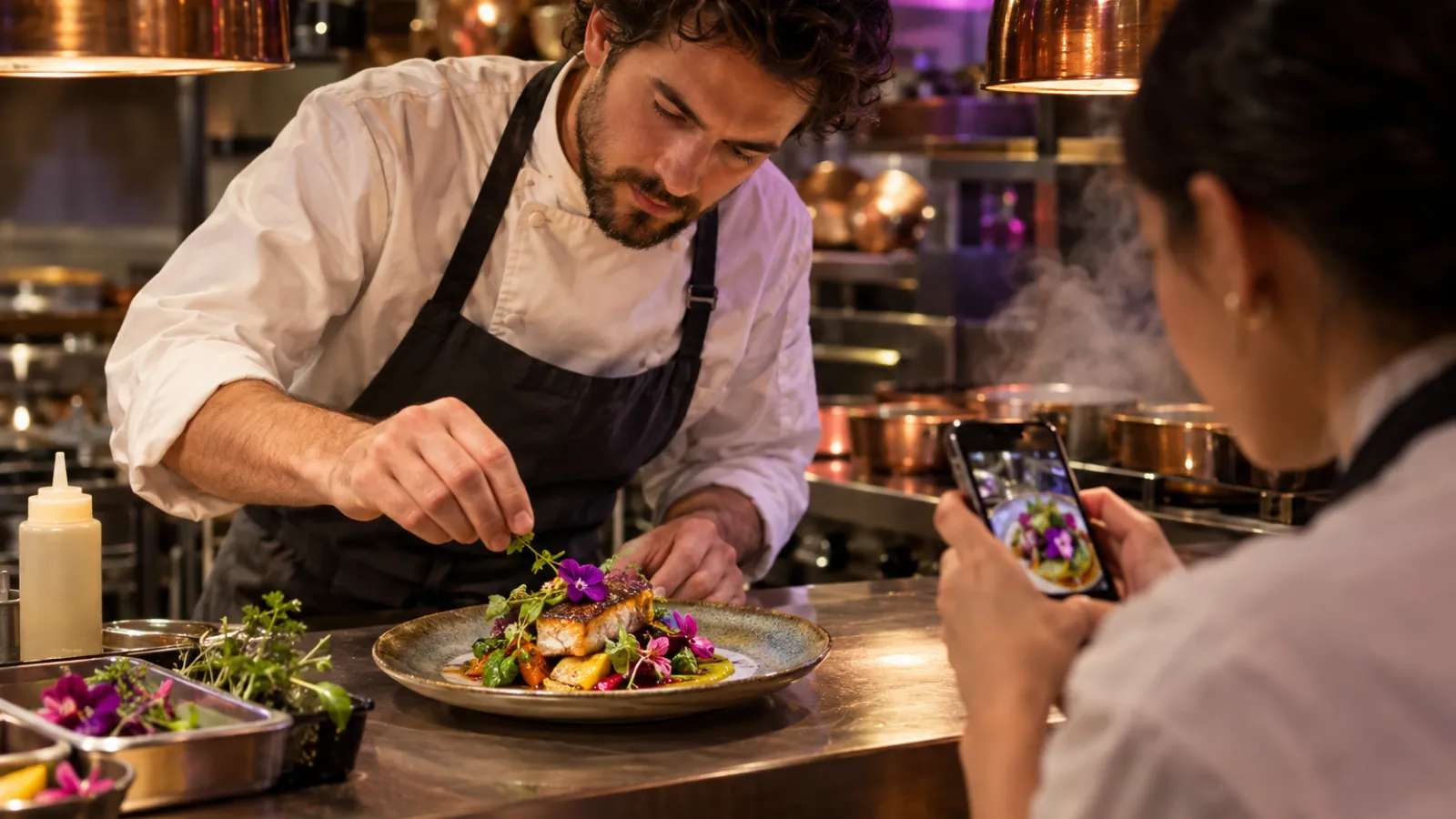
Social media marketing for restaurants: what to post each day and how often
Restaurant social media works best as a weekly routine, not a daily scramble. Here's how often to post, what to post each day and how to make a week of content in one quiet shift.
· Updated · 7 min read
Running a restaurant leaves very little time for social media. The kitchen needs you, a server called in sick and the walk-in is making a noise again. So posts happen when someone remembers, usually a quick photo of a special at 4 p.m. and then nothing for two weeks.
That's a shame, because social media is where many people decide where to eat. Pew Research Center's 2026 survey found that 70% of US adults use Facebook and 51% use Instagram. Somewhere in those feeds are people deciding where to go for dinner tonight. A restaurant that shows up there with good food, real people and clear information gives them an easy answer.
This guide gives you a weekly plan you can actually run, what to post each day, how often to post and how to make the whole week's content in one quiet shift.
How often should a restaurant post on Instagram?
There's no official number, and anyone who tells you there is is guessing. What matters more than frequency is that you keep posting at a pace you can sustain for months. A burst of daily posts followed by silence does less than a steady rhythm.
A realistic target for most restaurants:
- Feed posts or Reels: three to five a week.
- Stories: most days you're open, even if it's just one or two frames of today's special or the dining room filling up.
- Facebook: the same core posts, adjusted for Facebook, plus events for anything with a date.
If that's too much, start with three posts a week and Stories on your busiest days. You can add more once the routine sticks.
What to post each day of the week
Giving each day a job makes planning far easier. You stop asking "what should we post?" and start asking "what's this week's Tuesday post?" Here's a starting plan you can adapt to your hours and your menu.
Monday: the week ahead
Many restaurants are closed or quiet on Mondays, which makes it a good day to tell people what's coming. Post the week's specials, an event, a new dish or a reminder of your hours. Keep it practical and easy to screenshot.
Tuesday: behind the scenes
Show the prep. Dough being shaped, stock simmering, the fish delivery coming in, the line getting set before service. People love seeing how food is made, and it shows the care that goes into each plate. A short vertical video works well here.
Wednesday: the people
Introduce someone on your team. The chef who's been with you for years, the new server, the dishwasher who keeps the place running. A photo, their name (with their permission) and one thing they love about the job. Faces build a connection that food photos alone don't.
Thursday: a dish, up close
Pick one dish and give it the spotlight. Good light (near a window, not under the heat lamps), a clean plate and a caption that says what it is, what's in it and why you're proud of it. If there's a story behind it, a family recipe or a local supplier, tell it.
Friday: the weekend push
This is the post most likely to fill tables. Tell people what's on this weekend: specials, live music, brunch, a new cocktail, whether to book ahead. Make the next step clear: reserve, order or just come in.
Saturday: the room
Share the atmosphere during service. The busy dining room, the bar, the patio at sunset. Stories are ideal for this because they're quick and they feel live. Always check that guests are happy to be on camera before you post them.
Sunday: your regulars and your neighborhood
Repost a guest's tagged Story (with permission), thank a local supplier or share something happening nearby. This keeps your account from being only about you and reminds people you're part of the neighborhood.
If you're short on time, combine days. A three-post week could be Monday (week ahead), Thursday (dish up close) and Friday (weekend push), with Stories on Saturday.
Batch a week of content in one quiet shift
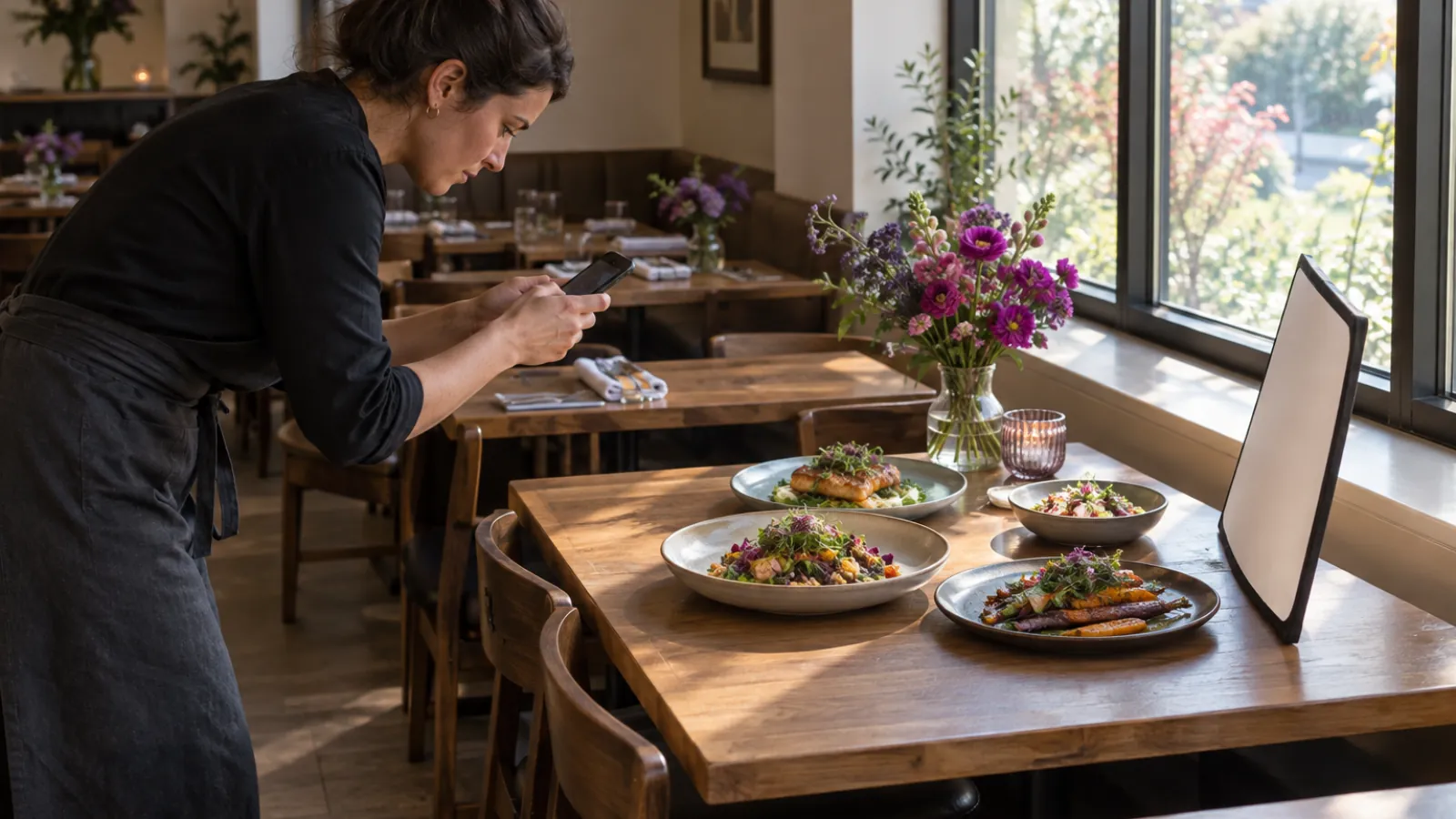
The biggest change most restaurants can make is to stop creating posts in the middle of service. Pick your slowest hour of the week, often a Tuesday afternoon, and do it all at once.
Before the shift
- Look at next week: specials, events, deliveries, staff changes.
- Decide each day's post using the plan above.
- Write a short shot list so you know exactly what to capture.
During the shift (about an hour)
- Shoot the dishes. Plate the three or four dishes you'll feature. Take photos and a few short clips of each from different angles.
- Shoot the prep. Capture 10 to 15 seconds of something being made.
- Shoot the people. A photo or short clip of the team member you'll feature.
- Shoot the room. A few wide shots of the dining room and bar set up and ready.
After the shift
- Write the captions for every post in one sitting. Keep the first line strong, say what it is and end with a clear next step.
- Schedule everything for the week.
- Leave a gap or two for things that happen in real time: a sold-out special, a surprise delivery, a full house on Saturday.
The point isn't perfection. It's that by Wednesday, you're not trying to come up with an idea while the tickets pile up.
Write captions that bring people in
A good restaurant caption does three things: it makes someone hungry, it answers a practical question and it tells them what to do next.
- Lead with the food or the feeling. "Slow-braised short rib, finished on the grill tonight" beats "Check out our special!"
- Answer the question they'll ask. Is it on all week? Is it vegetarian? Do I need to book?
- Finish with one action. Book, order, call or come in. One, not four.
If you're stuck on the first line, our post on 10 ways to start a Facebook post for restaurants has openers you can borrow.
Use Reels to reach people who don't follow you yet
Instagram ranks each part of the app differently. For Reels, Instagram says it predicts how likely you are to reshare a reel, watch it all the way through, like it and open its audio page. For a restaurant, that favors short, clear videos that show something satisfying from the first second: the cheese pull, the flame on the grill, the pour.
You don't need trends. You need something people want to watch to the end. Keep it short, show the payoff early and add on-screen text so it works without sound.
Reply to comments during the week, not once a month

Comments on restaurant posts are often questions from people about to visit. "Do you have vegan options?" "Is there parking?" "Can I bring a group of 12 on Friday?" A fast, friendly answer can be the difference between a booking and a guest choosing somewhere else.
- Check comments at a set time each day, such as before lunch service and after dinner.
- Answer the question fully, and add a helpful detail ("Yes, we have three vegan mains. The mushroom risotto is a favorite.").
- Thank people who tag you or share a good meal.
- Take complaints seriously. Acknowledge them in public, apologize where it's due and offer to fix it privately. Other diners are watching how you respond.
Many restaurant guests also post about you without asking a question. When someone tags you in a great photo of their meal, a short thank you in the comments goes a long way.
Keep information accurate
Nothing loses a guest faster than wrong information. Before you post, check:
- Hours are right, especially around holidays.
- Prices and specials match what's on the menu today.
- Allergy and dietary claims are accurate. If you're not sure a dish is free of an allergen, don't say it is.
- Booking and ordering links work.
Update your bio and pinned posts whenever something changes. Old information on a profile tells people the account isn't looked after.
Measure what fills tables
Likes are nice, but they don't pay the rent. Watch the numbers closer to a booking: profile visits, link clicks to reservations or ordering, calls from your profile and comments asking about availability. Ask new guests how they found you. Once a month, look at which posts led to bookings or questions and plan more of them.
Where Chirpy fits
Chirpy builds a Brand Kit from your restaurant's website so captions sound like you, helps you plan the week on one Calendar, designs menu posters and specials in AI Image Studio and publishes to Instagram, Facebook and your other accounts. Comments come into one place in Community on the Advanced plan and up. Nothing publishes until you approve it. For more on how Chirpy works for restaurants, see Chirpy for restaurants, or grab the free restaurant starter pack for a week of post prompts.
Social media marketing for restaurants doesn't need to eat your evenings. Give each day a job, batch the week in one quiet shift and answer the people who talk to you. That's a routine you can keep running long after the novelty wears off.